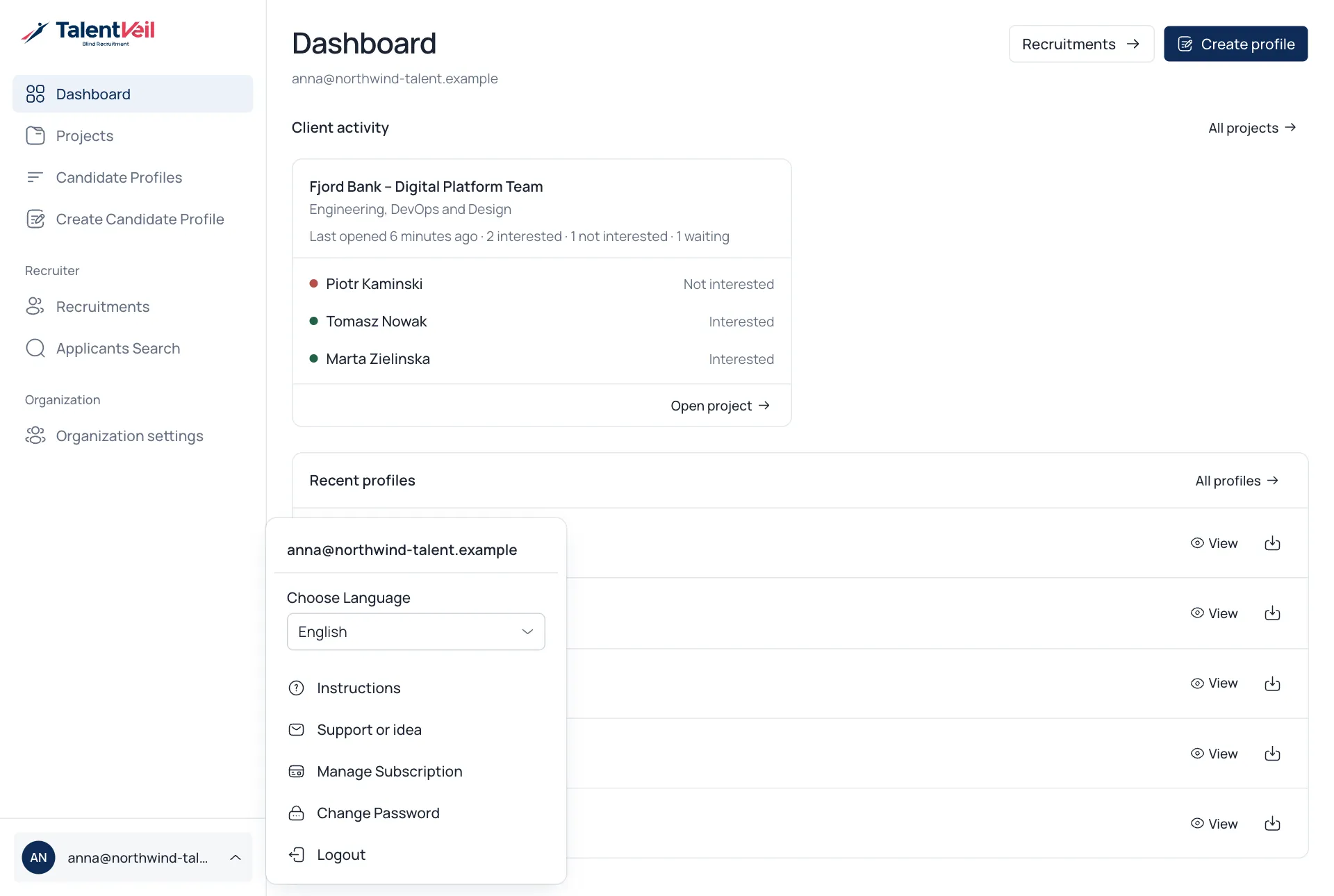
Your workspace
TalentVeil keeps everything in a menu on the left.
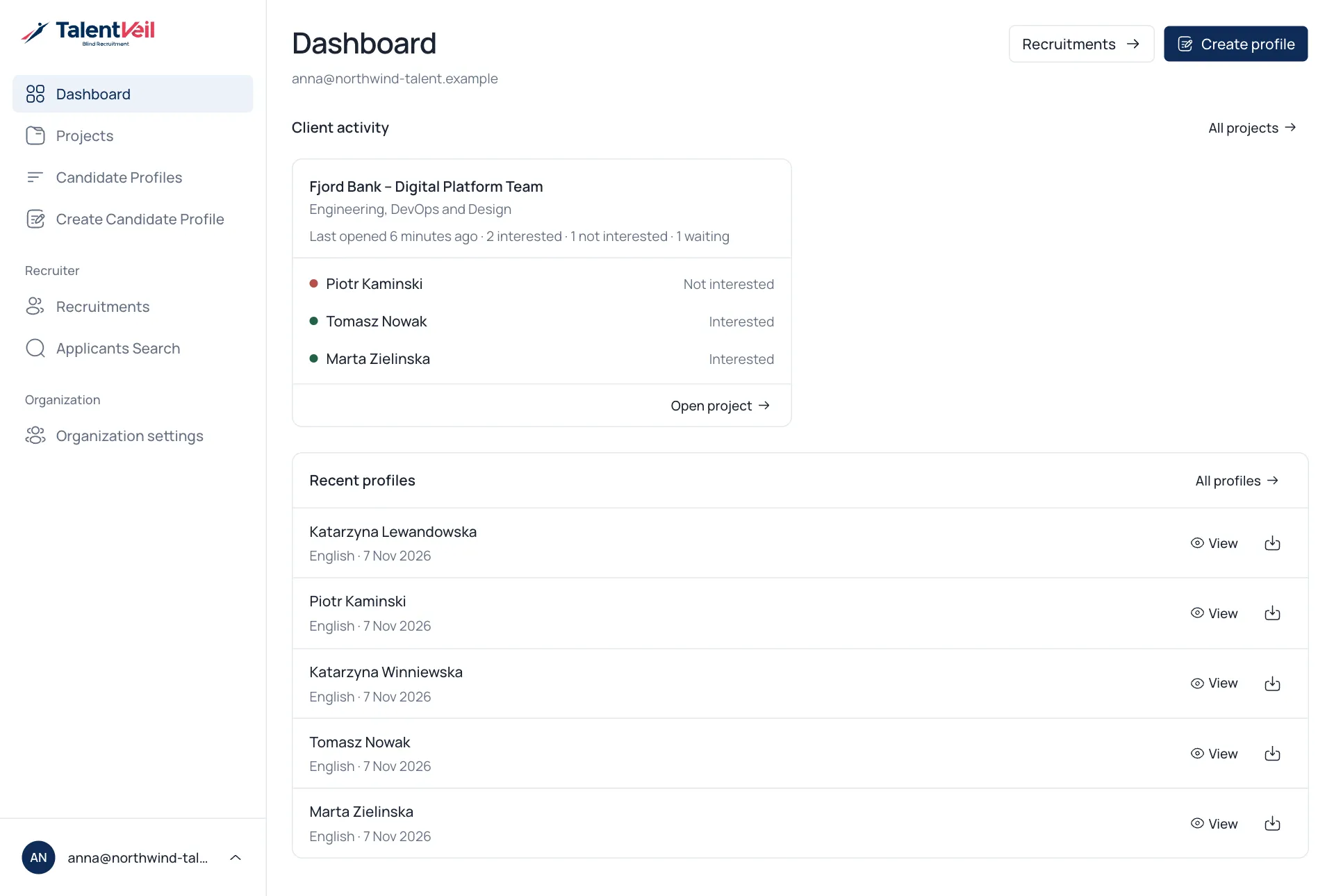
| Menu item | What it is for |
|---|---|
| Dashboard | Client reactions and your latest profiles at a glance. |
| Projects | One project per client role, with candidates, links and feedback. |
| Candidate Profiles | Every Blind CV your team has created. |
| Create Candidate Profile | Turn a CV into a Blind CV. |
| Organization settings | Defaults, templates, branding and users for your team. |
Account menu
Section titled “Account menu”Select your name at the bottom of the menu to change the app language or your password, open this guide or contact support.