Create a project
A project brings one role, its candidates and the client’s feedback together.
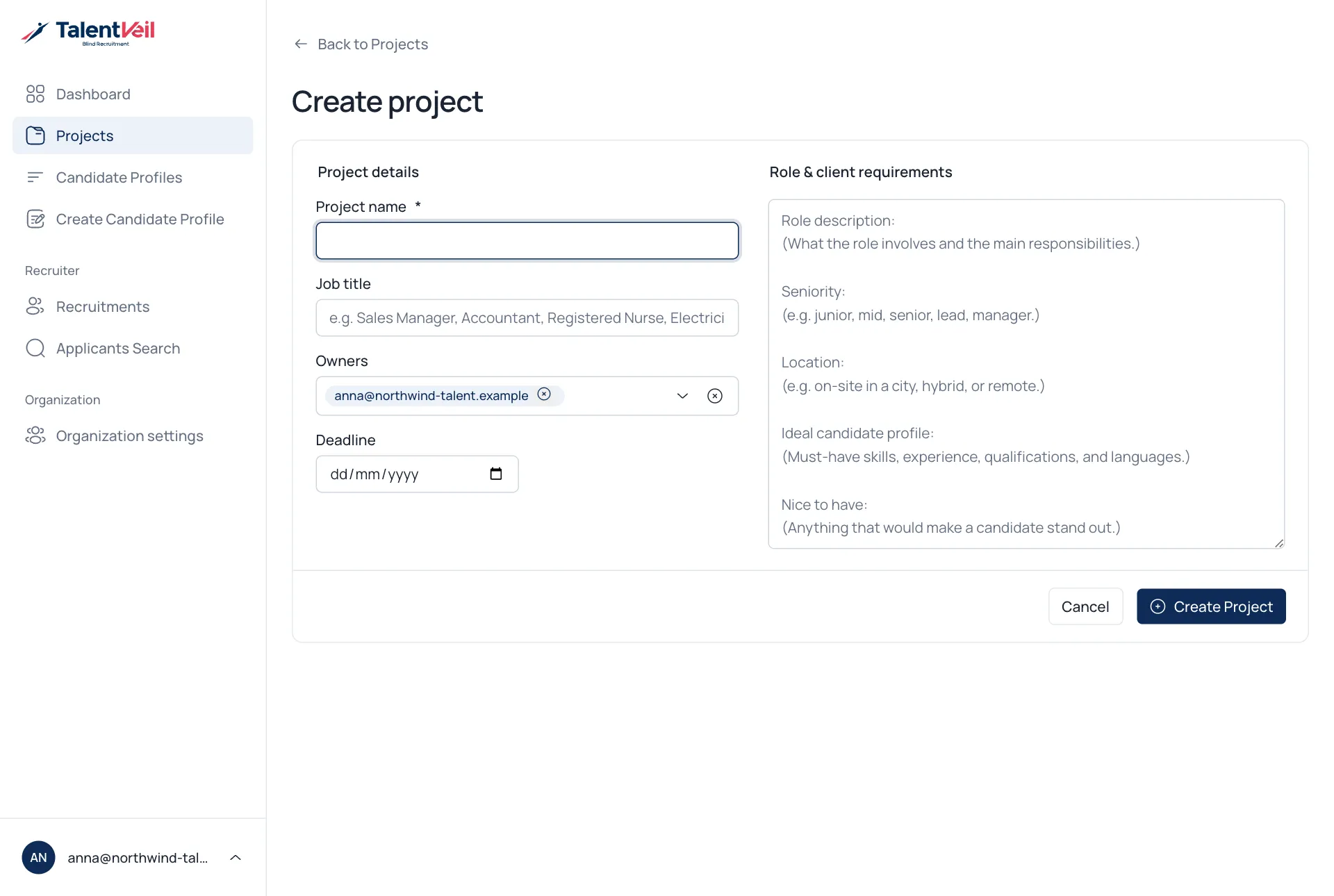
- Open Projects and select Create Project.
- Fill in the details.
- Select Create Project.
| Field | Notes |
|---|---|
| Project name | Put the client in the name, for example Fjord Bank – Payments Lead. |
| Job title | The role you are filling. |
| Owners | The recruiters responsible for the project. |
| Deadline | Optional. |
| Role & client requirements | What the client is looking for. New profiles made in this project use it. |
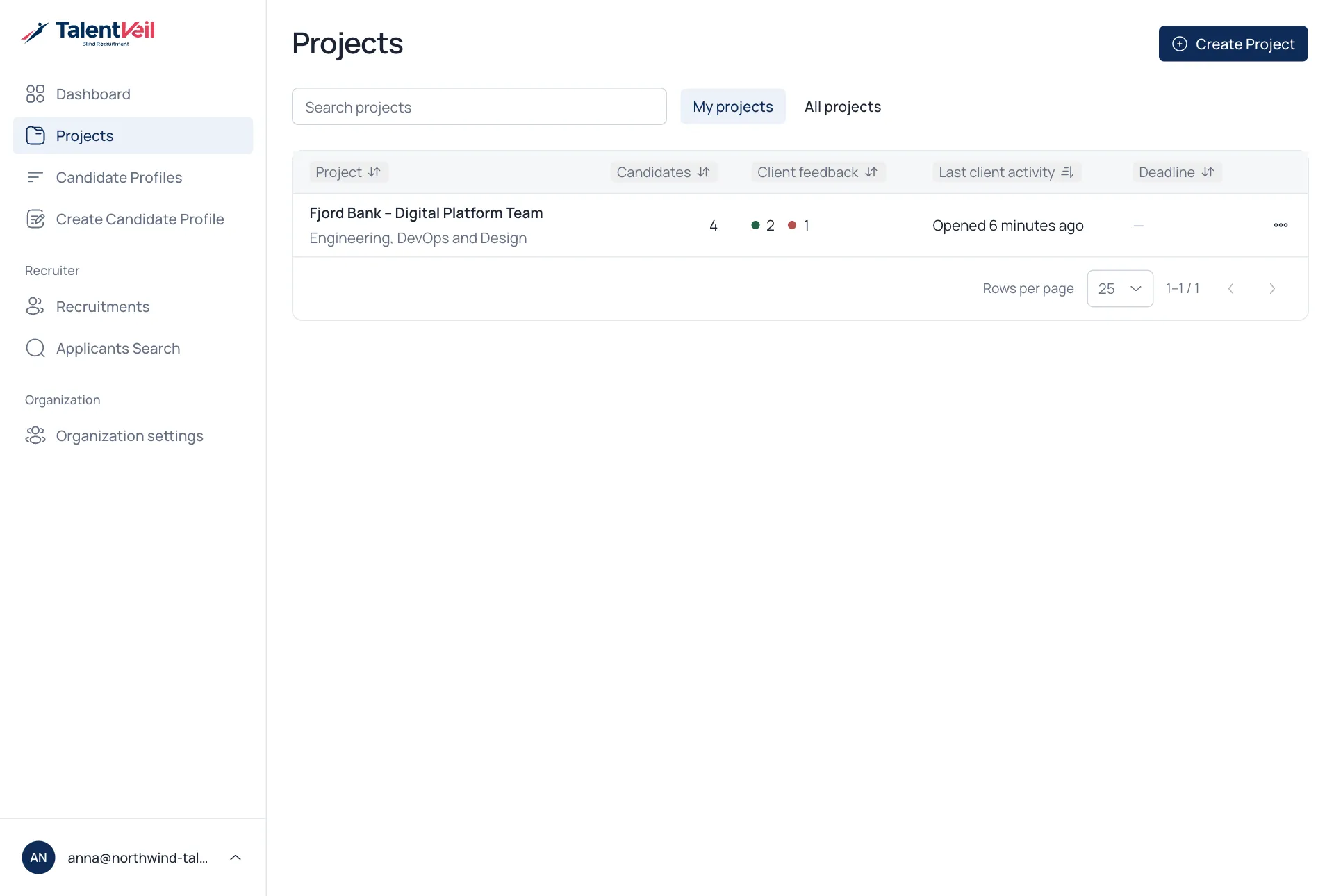
Your projects
Section titled “Your projects”The project list shows how many candidates each project has, how the client has responded and when they last opened the link.