
Edit and export
Open any profile to review it. The sections are on the left and a live preview is on the right.
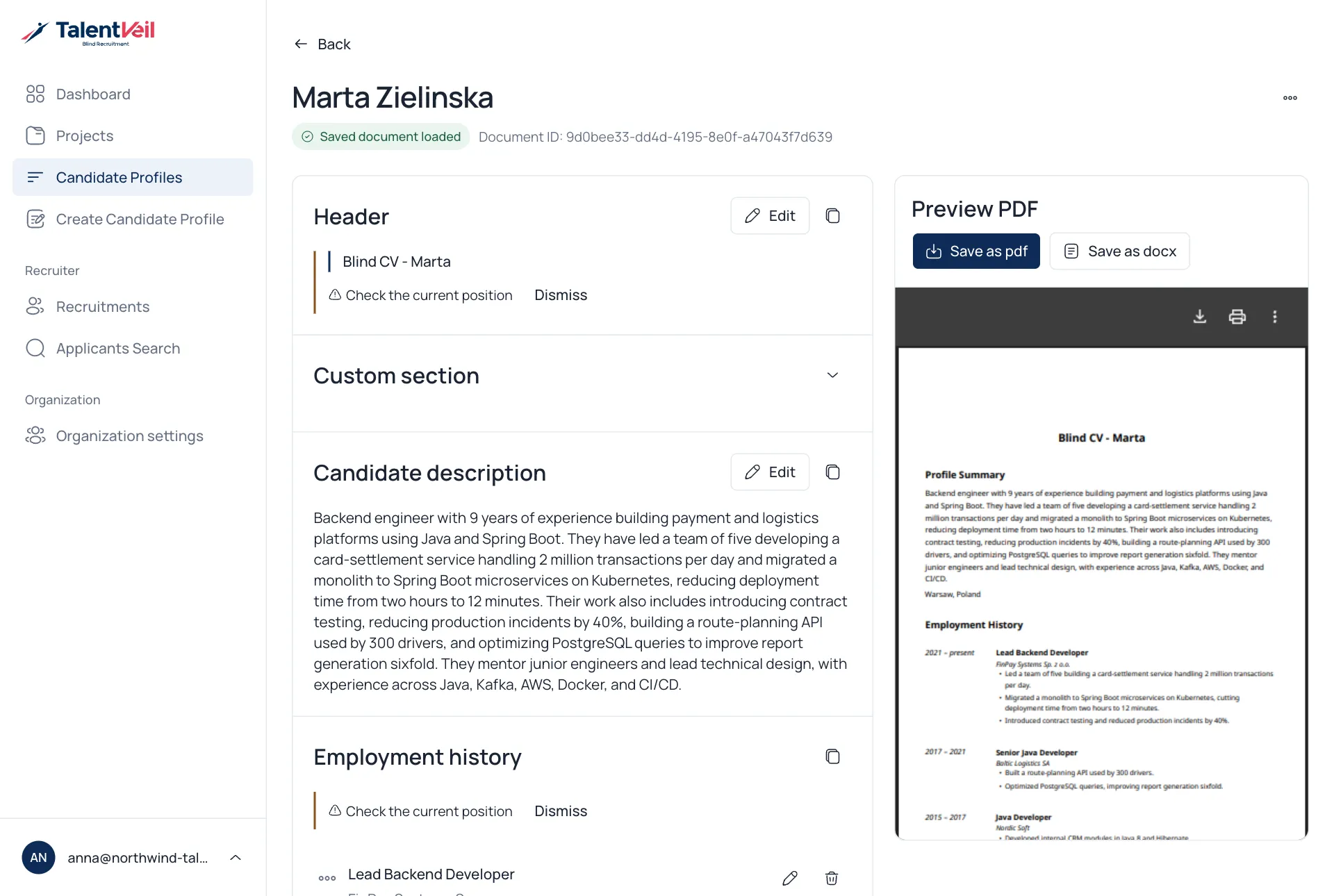
Edit a section
Section titled “Edit a section”- Select Edit on a section.
- Change the text.
- Select Save.
The preview updates after each change. Where the app is unsure, it shows a short hint such as Check the current position. Review it, then select Dismiss.
Download
Section titled “Download”Use Save as pdf or Save as docx above the preview.