
Blind CV defaults
Choose the options your team uses most, so nobody has to set them each time.
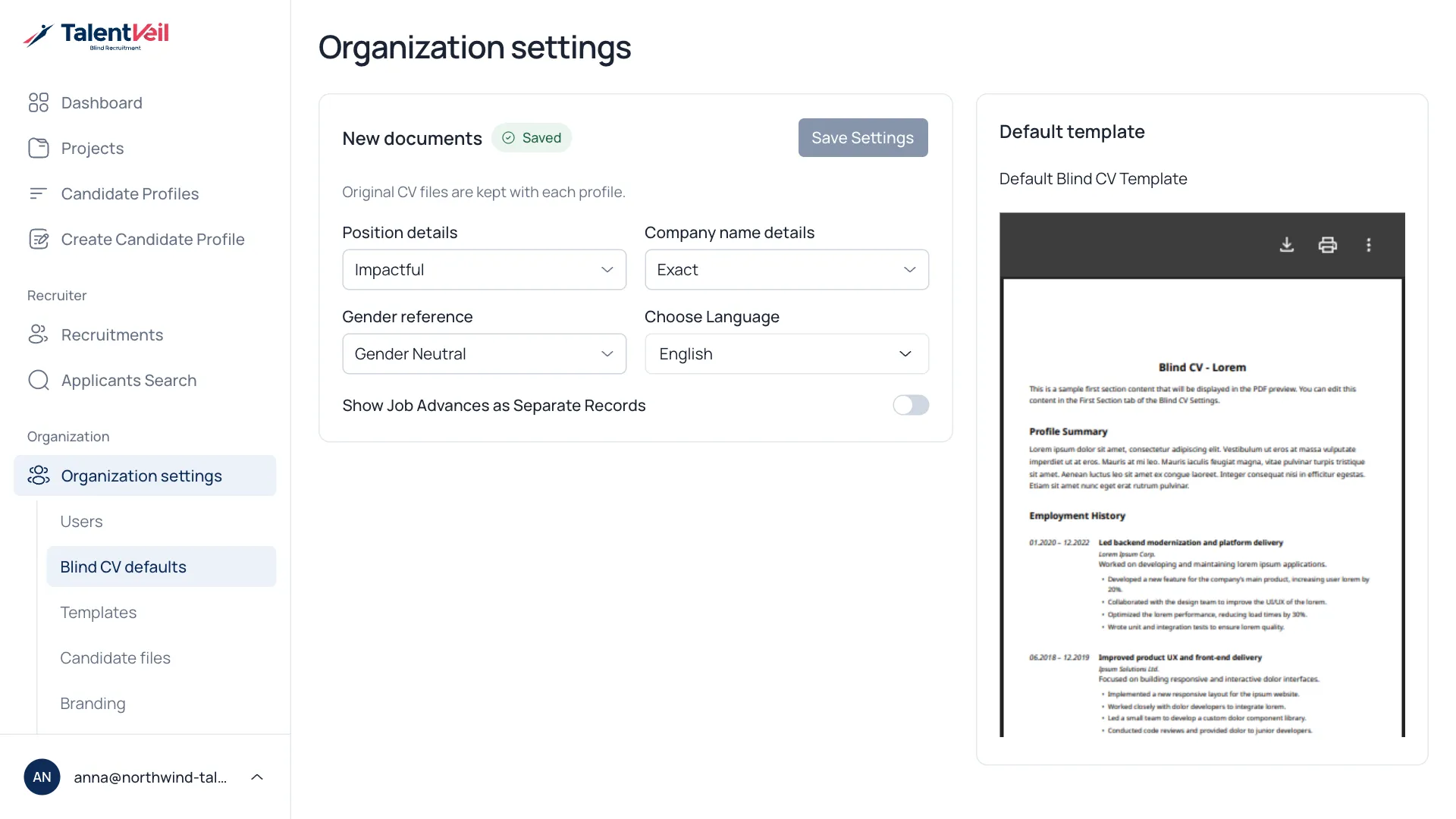
- Open Organization settings and select Blind CV defaults.
- Change the options.
- Select Save Settings.
| Option | Notes |
|---|---|
| Position details | How roles are written. |
| Company name details | How much of the company name is shown. |
| Gender reference | How the candidate is referred to. |
| Choose Language | The language of new profiles. |
| Show Job Advances as Separate Records | Lists promotions within one company as separate entries. |
| Default template | The look used when nobody picks another. |
People can still change any option when they create a profile. See Create a Blind CV for what each one means.