
What your client sees
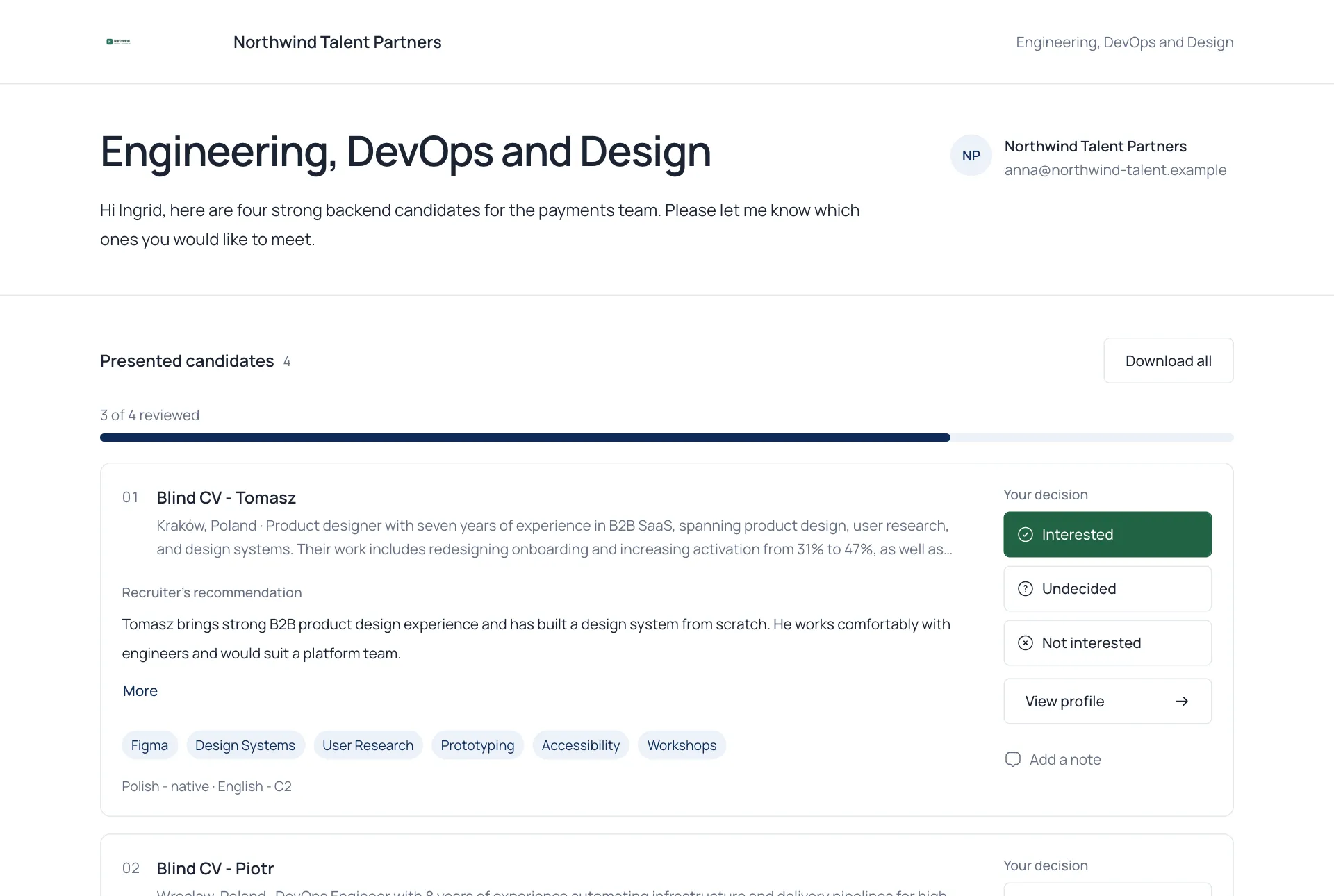
The Showcase is the page your client opens. It carries your logo, your welcome message and your contact details.
What the client can do
Section titled “What the client can do”- Read each candidate’s summary, skills and languages.
- Choose Interested, Undecided or Not interested. After Not interested they can give a reason.
- Add a note for you.
- Select View profile for the full page.
- Download a profile as PDF, or Download all, if you allowed it.
- Write you a message at the bottom of the page.
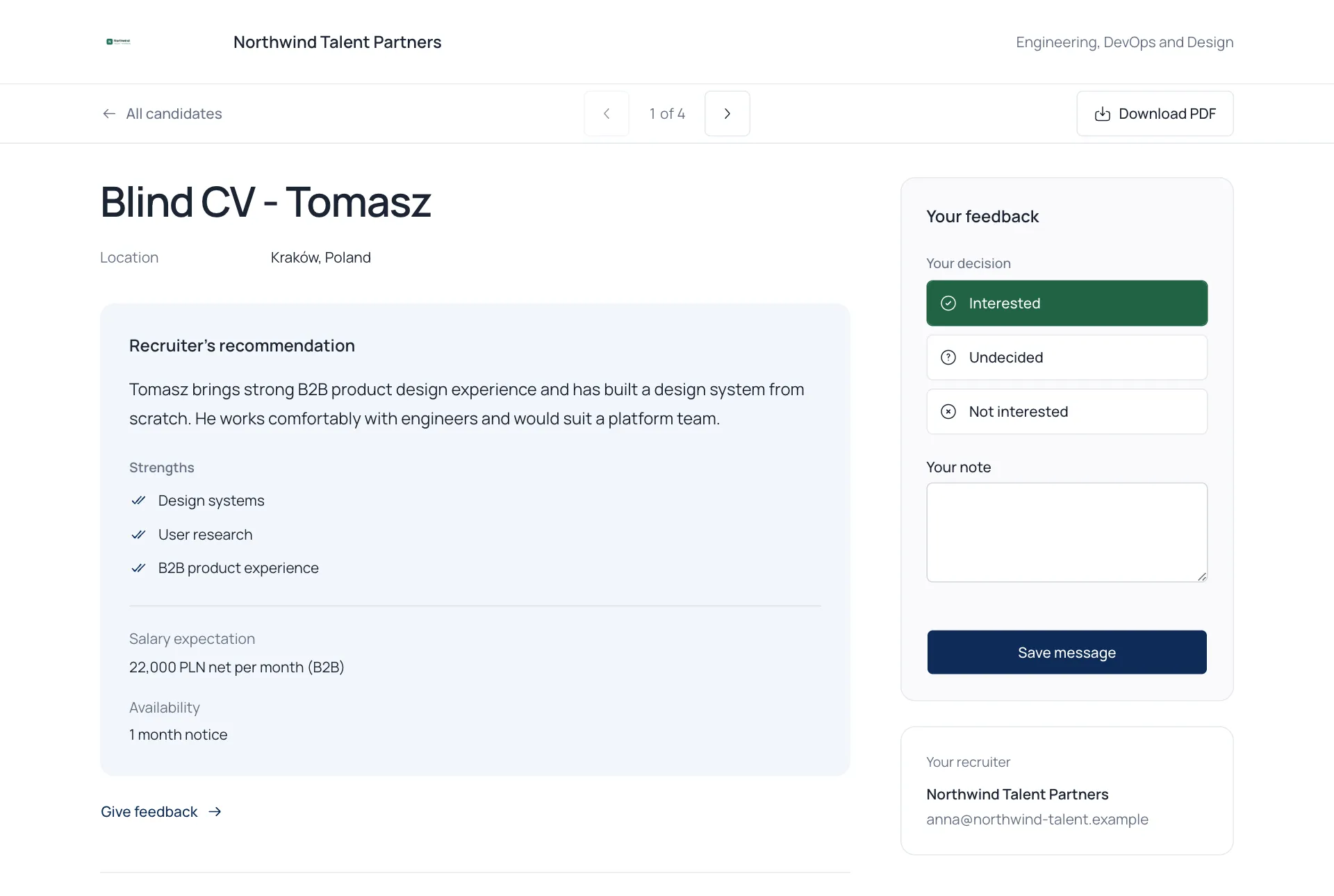
Everything the client does appears in your project straight away. See Track client feedback.