
Users
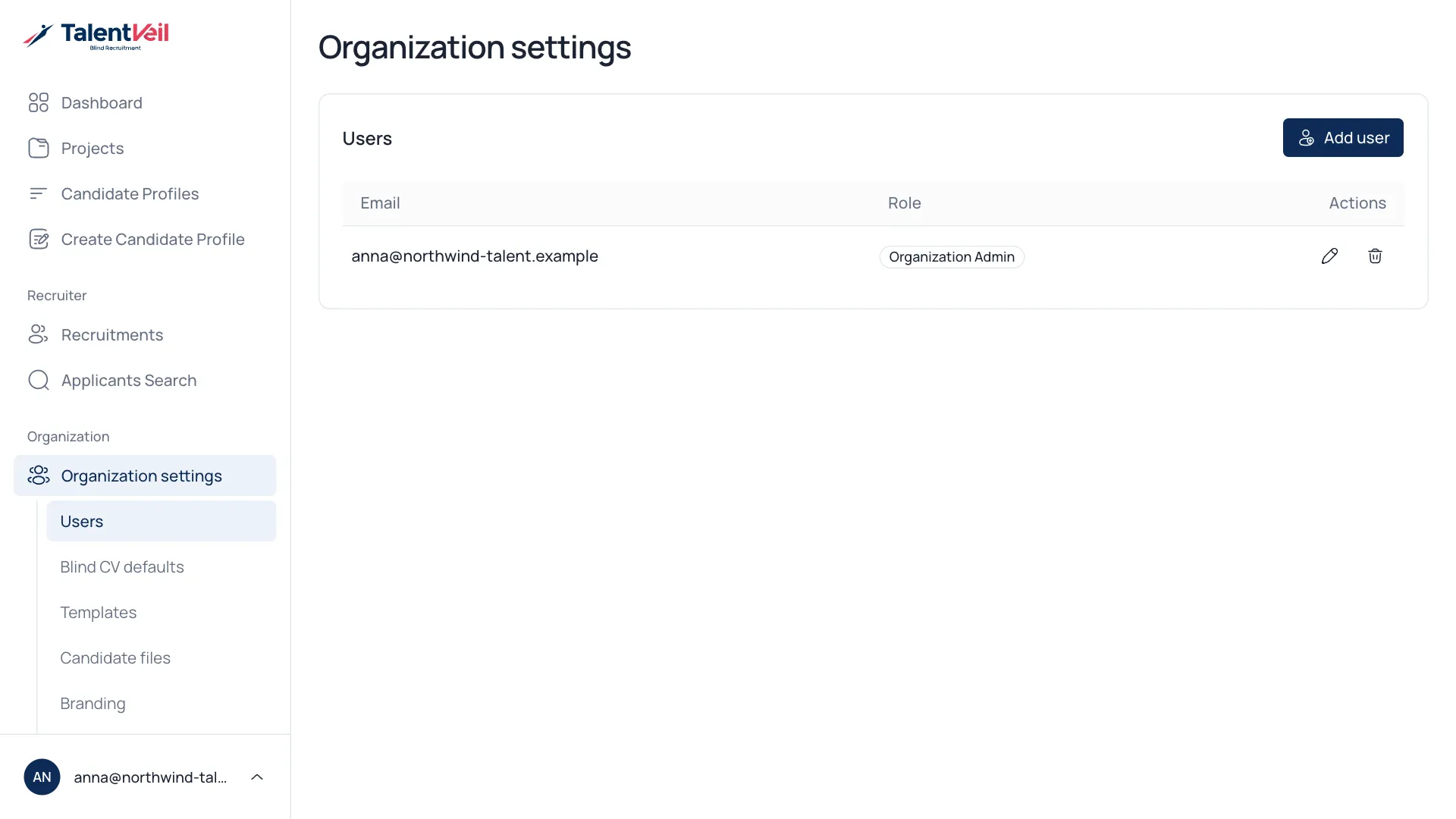
Open Organization settings to see everyone in your team.
Add a person
Section titled “Add a person”- Select Add user.
- Enter their email and a starting password.
- Choose a User role: User or Admin.
- Select Add user.
Name, position and phone number are optional. They are used as the contact details on new profiles.
Use the pencil icon to edit a person or the bin icon to remove them.
| Role | Can do |
|---|---|
| User | Create profiles, run projects and share with clients. |
| Admin | Everything a user can, plus organization settings and users. |